Free Fire Max
1 houre ago
450MB
2.123.1
Andriod 5.0 above
99M+
Description
Free Fire MAX is an enhanced battle royale experience designed for players who want faster matches, upgraded visuals, and a more immersive mobile gaming experience. It keeps the familiar fast-paced gameplay of Free Fire while improving graphics, effects, and overall presentation.

With short matches, multiple game modes, squad-based gameplay, live events, and Firelink connectivity with Garena Free Fire,the apk offers plenty of ways to play. Whether you prefer competitive matches with friends or quick solo games, its compact match format makes it easy to enjoy on a mobile device.Download apk and enjoy with your friends.
What Is Free Fire MAX?
The platfome is a mobile battle royale game focused on quick survival matches and improved visual quality. The game is designed for players who enjoy competitive shooting, fast rotations, looting, and squad-based strategy without spending a long time in a single match.
Compared with the standard Free Fire experience, the MAX edition places greater emphasis on graphics, textures, lighting, and visual effects. This gives environments, characters, weapons, and combat sequences a more detailed appearance.
Another important part of the experience is its live-service structure. Players can encounter rotating events, seasonal activities, special modes, and new rewards, giving returning players reasons to check the game regularly.
Free Fire MAX Key Features
1. Enhanced Graphics and Visual Effects
The biggest attraction of the apk is its upgraded visual presentation. Improved textures, lighting, environmental details, and effects create a more polished battlefield.
During combat, visual elements such as explosions, weapon effects, and movement are easier to notice. The enhanced presentation can make matches feel more immersive while maintaining the quick gameplay style associated with Free Fire.
However, the best graphics settings depend on your Android device. Players using less powerful hardware may need to lower certain settings to maintain smoother performance.
2. Quick Battle Royale Matches
Game is built around relatively short battle royale sessions. A typical match involves up to 50 players competing to survive while the playable area gradually becomes smaller.
The fast pacing means there is less waiting around. Players need to loot quickly, choose sensible rotations, manage resources, and decide when to engage opponents.
This makes the game suitable for people who want a competitive battle royale experience without committing to extremely long matches.
3. Classic Modes and Special Events
The apk provides different ways to play. Battle Royale is the traditional survival format, while Clash Squad offers a more round-focused experience.
Limited-time events can add another layer of variety. According to the supplied source material, the Fire Kickoff event introduces football-themed gameplay elements, including a football pitch area, football-based movement, 1v1 revival duels, and Football Blast activities.
Because event content can rotate, specific modes and features may not always be available.
4. Squad Gameplay and Voice Chat
Teamwork plays an important role in apk. Players can form squads and coordinate with teammates during matches.
Built-in voice communication makes it easier to discuss landing locations, share information, organize attacks, and plan revives without depending on a separate communication application.
A coordinated squad can often make better decisions than players who act independently. Simple communication about enemy positions, supplies, and rotations can have a major impact during the final stages of a match.
5. Firelink Connectivity
One of the notable features highlighted in the source material is Firelink. It connects platfome with Garena Free Fire, allowing players to maintain their progression and collection across the two versions.
This is particularly useful for players who may switch between the MAX and standard editions depending on their device or performance requirements.
The shared ecosystem also makes it easier to stay connected with friends while choosing the version that best suits your hardware.
Free Fire MAX vs. Garena Free Fire
Although both versions are part of the same Free Fire ecosystem, they are aimed at slightly different needs.
| Feature | Free Fire MAX | Garena Free Fire |
|---|---|---|
| Visual quality | Enhanced | More lightweight |
| Graphics | More detailed | Designed for broader device compatibility |
| Match style | Fast-paced | Fast-paced |
| Battle Royale | Yes | Yes |
| Clash Squad | Yes | Yes |
| Live events | Yes | Yes |
| Firelink | Supported | Supported |
| Best suited for | Players seeking enhanced visuals | Players prioritizing lighter performance |
If your smartphone can comfortably handle enhanced graphics,apk may provide the more visually polished experience. Players with older or less powerful devices may prefer the standard edition.
The ability to stay connected through Firelink gives players more flexibility when choosing between the two versions.
How to Play Free Fire MAX on Android?
Getting started is straightforward. Once the game is installed, you can follow these basic steps to begin playing.
Step 1: Open the Game
Launch Free Fire MAX and sign in with your existing account or use the available guest option if supported.
Before entering a match, open the settings menu and review the graphics and performance options. Choose settings that provide a comfortable balance between visual quality and smooth gameplay.
Step 2: Select a Game Mode
From the main lobby, select the mode you want to play.
Battle Royale is suitable if you want a traditional survival match, while Clash Squad is better for players who prefer shorter, round-based combat.
If a limited-time event is available, check its rules before starting so you understand any special mechanics.
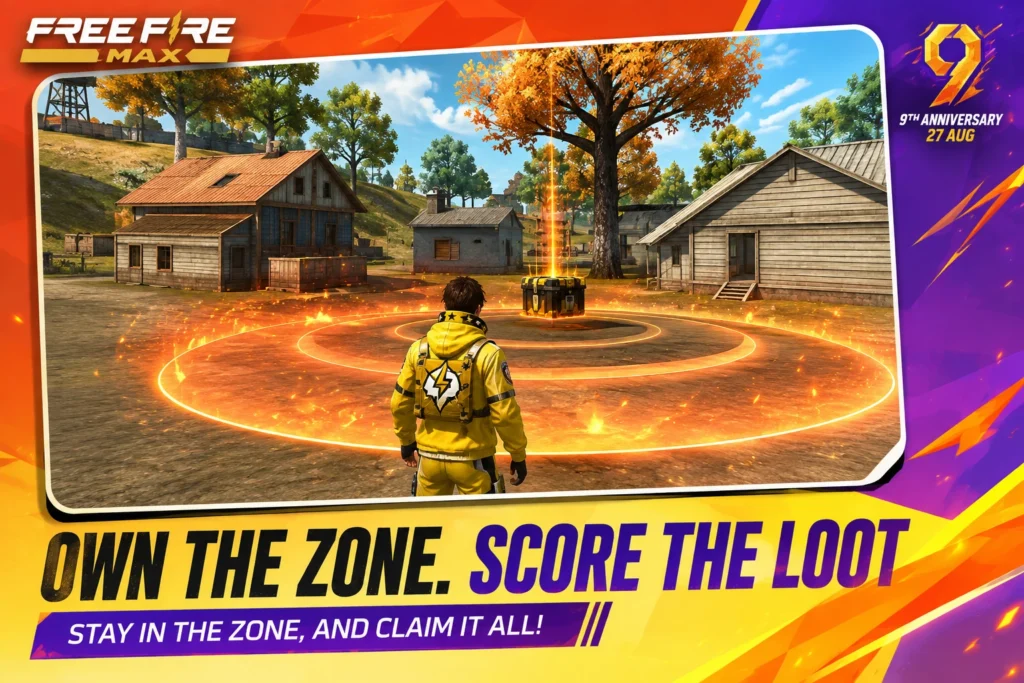
Step 3: Create or Join a Squad
Invite friends to your team or use matchmaking to find other players.
If you are playing as a squad, use voice chat when available. Decide where to land, divide important supplies, and communicate before engaging enemies.
Step 4: Loot and Prepare
After landing, collect useful supplies as quickly as possible. Prioritize weapons, ammunition, armor, and healing items.
Avoid spending too much time searching for equipment in one location. The shrinking zone will eventually force players to move.
Step 5: Rotate With the Safe Zone
Keep an eye on the map and prepare for upcoming zone movements. Moving early can help you avoid unnecessary fights and reach safer positions.
Use buildings, terrain, and other forms of cover when moving through exposed areas.
Step 6: Manage the Endgame
As the playable area becomes smaller, encounters become more frequent. At this stage, positioning and patience can be just as important as shooting ability.
Avoid unnecessary fights when possible and pay attention to enemy movement around you.
Tips for Better Gameplay
Adjust Graphics to Your Device
Higher graphics settings can improve visual quality, but they may also increase the workload on your phone. If you experience stuttering or overheating, try reducing graphics quality or other performance-heavy settings.
Use Headphones
Audio can provide useful information about nearby activity. Footsteps, gunfire, and other sounds can help you understand what is happening around your position.
Avoid Random Fights
Not every enemy needs to be engaged immediately. Sometimes the smarter decision is to reposition, gather supplies, or wait for another team to make the first move.
Communicate With Your Squad
Good communication can turn a group of individual players into an effective team. Share enemy locations, supplies, and zone information with your teammates.
Learn the Map
Understanding common landing locations, routes, buildings, and high-ground positions can improve your rotations and decision-making.
Free Fire MAX for Short Gaming Sessions
One of the strongest advantages of apk is its quick match structure. Players can enjoy a complete battle royale session without needing to dedicate a large amount of time.
This makes it convenient for mobile gamers who have short breaks during the day. You can complete a few matches and return later without committing to a lengthy gaming session.
The fast pacing also means every decision matters. Choosing where to land, when to loot, whether to fight, and when to rotate can quickly change the outcome of a match.
Events and Seasonal Content
Platfome follows a live-event approach, meaning the game can change over time through seasonal activities, collaborations, missions, and limited-time modes.
These events can introduce new challenges and rewards while giving experienced players something different to explore.
The source material specifically highlights the Fire Kickoff event, which adds football-inspired mechanics and activities. Players should check the current in-game event section because availability and rules may change.
Things to Consider Before Installing Free Fire MAX
Before installing the game, consider your device’s available storage, hardware capability, and network connection.
Because app emphasizes improved graphics, performance can vary between Android devices. A newer or more capable smartphone may handle higher visual settings more comfortably, while older hardware may benefit from reduced settings.
A stable internet connection is also important because platfome is primarily designed around online multiplayer gameplay.
Is Free Fire MAX Worth Playing?
The apk is a strong option for players who enjoy fast battle royale matches and want a more visually detailed version of the Free Fire experience.
Its combination of upgraded graphics, short matches, squad communication, multiple modes, rotating events, and Firelink support gives players plenty of flexibility.
The main consideration is device performance. If your phone handles the enhanced graphics smoothly, MAX can provide a more immersive presentation. If performance is your priority or your device has limited resources, the standard Free Fire edition may be a better fit.
FAQs
The app is presented as a free-to-play mobile battle royale game. Optional in-game content may vary depending on the current version and events
Platfome focuses more heavily on enhanced graphics, textures, lighting, and visual effects, while the standard version is designed to work across a wider range of devices.
Yes. Battle Royale is one of the core game modes, featuring fast survival matches where players compete until one player or team remains.
Yes. Squad gameplay allows you to team up with friends or other players and coordinate during matches.
The source material states that the game includes built-in voice chat for squad communication.
Final Thoughts
The apk platfome brings the familiar fast-paced battle royale formula to mobile with a stronger focus on visual quality and presentation. Quick matches, squad gameplay, voice communication, multiple modes, seasonal activities, and Firelink support make it a flexible choice for mobile players.
The game is particularly appealing if you want a battle royale experience that fits comfortably into short gaming sessions while still offering competitive depth. Before installing, make sure your Android device has enough resources to run the enhanced graphics smoothly.